This was a demo I put together when I was student that lead to me landing my first vehicle audio gig!
There’s plenty I’d change now but I’ve left this up for educational purposes.
VEHICLE AUDIO | Wwise & Unreal Engine
Implementation & Recording


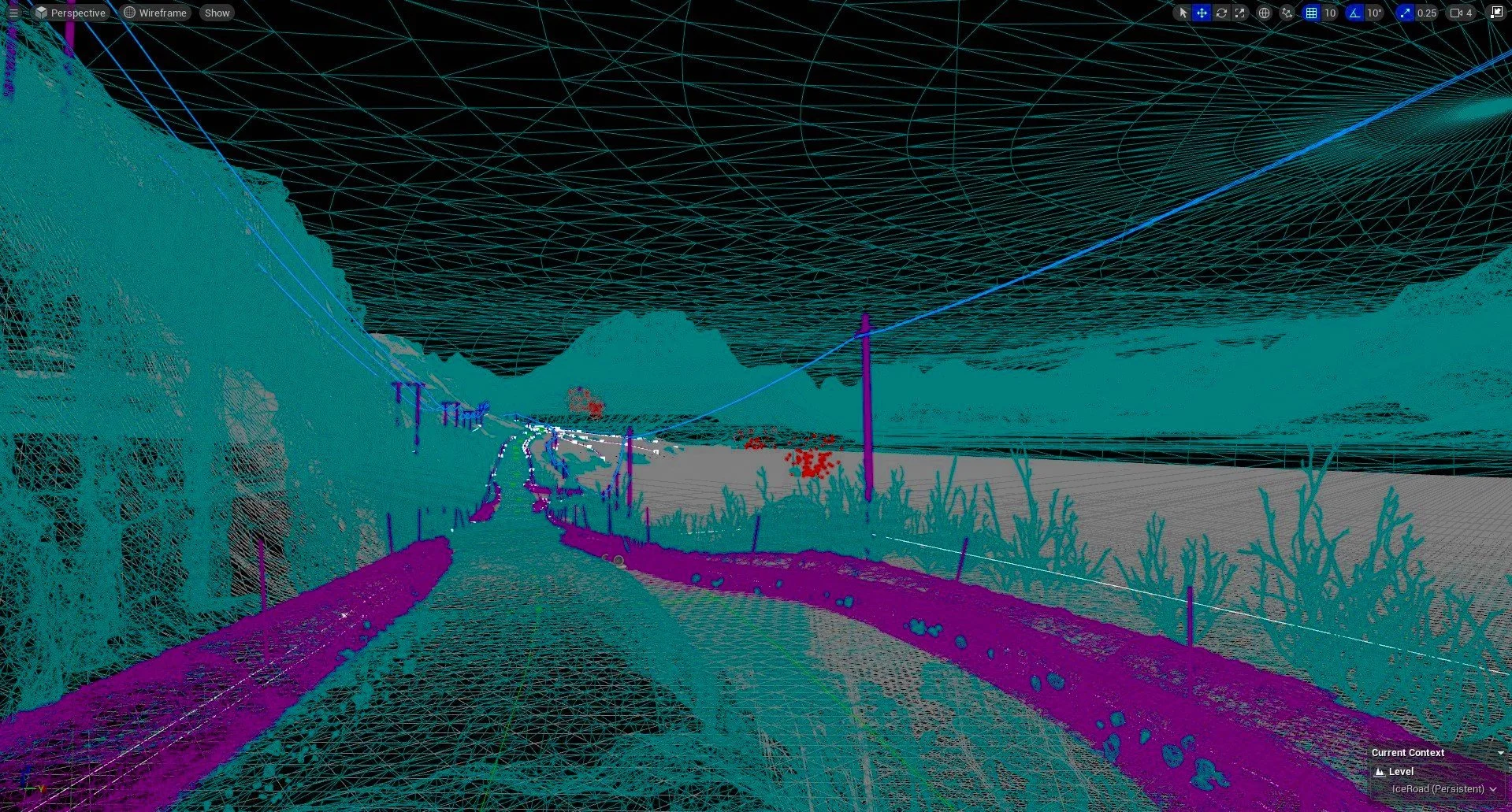
PROCESS
The main goal for this project was to record a vehicle and Implement it into a functional driving demo in Unreal using Wwise.

I used Wwise to set up a Switch Container that would change between Exterior and Interior Blend tracks.
I recorded the cars engine at different intervals across the rev range and crossfaded them in the blend track.

Next up was to set up Game Syncs to control the Engine and Ambiences.
Engine_Rotation would be used to cycle through the blend track and Speed would be used for ducking ambience and tire sound.
During this process I learnt alot about UE5.1 and its Blueprint system and Editor.

The goal was still to have a First and Third Person perspective.
I set up the new camera within the RS6 Pawn and set up this blueprint to switch between the two cameras.
This blueprint also Sets the state of the View switch, allowing the player to switch between first and third person Audio Systems.

One of the largest challenges with this project was managing the relationship between the Engine and transmissions setup’s and the Wwise Blend tracks.
As the Blend tracks were being controlled by an RTPC linked to the RPM of the engine, if there gear ratios were incorrect or the torque inaccurate; it would lead to an unconvincing and artificial sounding game.


Once the Audi RS6 model was rigged up and the demo was functional, I began building the blueprints for the Wwise/UE5 intergration.
I set up a system for the Engine_Rotation RTPC recieve its value from the Engine Rotation Speed interger. A second system follows on for Speed to recieve its value from Vehicle Speed.

The next step was to set up a simple blueprint to post the Switch, Ambience and Tire Sounds.