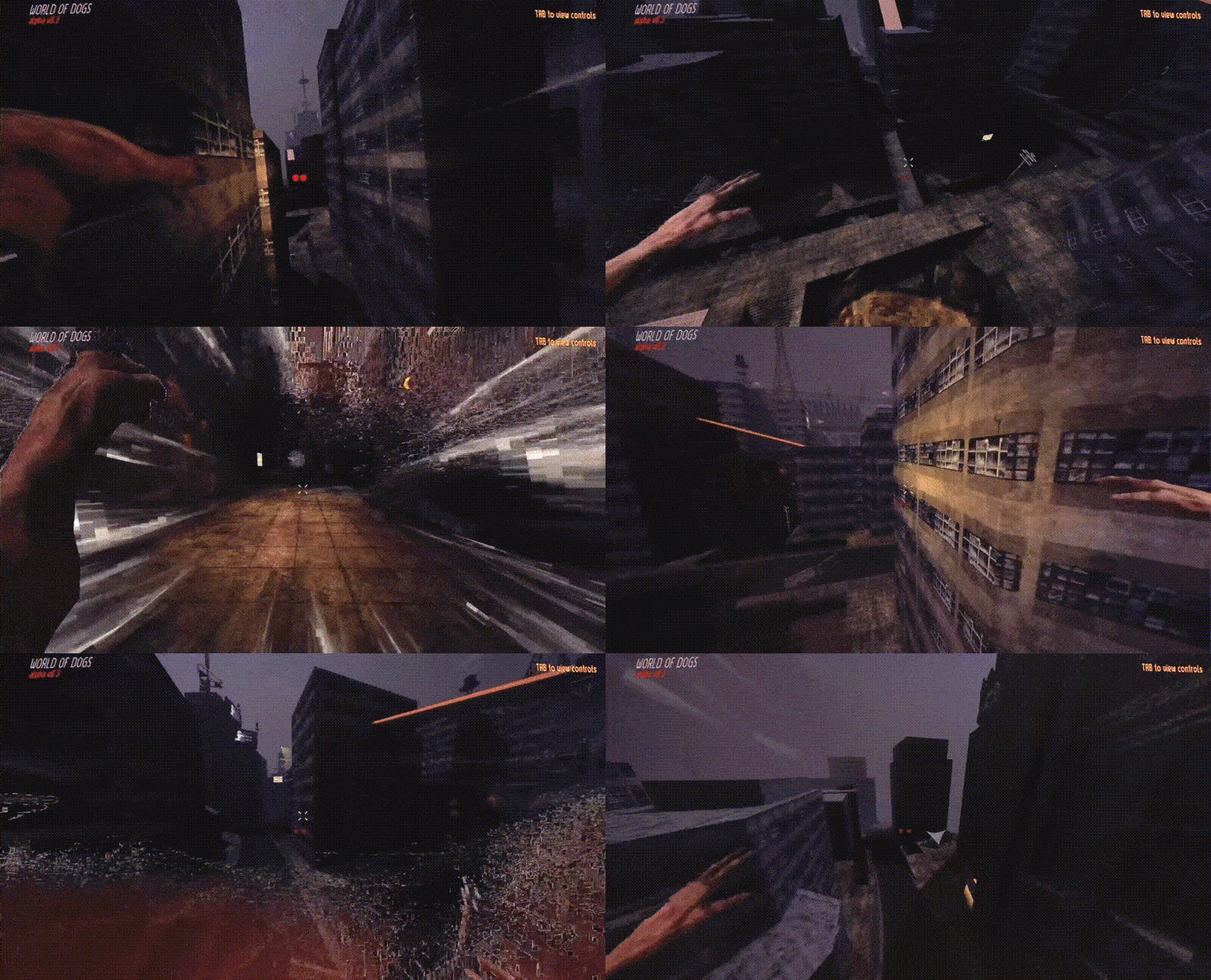
A short walkthrough on how I used Wwise's Spatial Audio Tools and UE5's Blueprints to fill out the sounds of Third Person Level!
Wwise Spatial Audio specializes in sound propagation, virtual acoustics, and spatially informed audio rendering. The Wwise Spatial Audio module introduces an intuitive high-level geometry representation termed Rooms and Portals, facilitating efficient simulation of sound propagation for emitters across various rooms.
This functionality primarily incorporates diffraction, coupling, and spatialization of reverberations. Through this, sound designers retain comprehensive control over the ensuing audio modifications within Wwise's toolkit.
Polar Facility | Wwise/Unreal Walkthrough
Implementation


PROCESS
The main goal for this project was to implement realistic Sound Propogation in UE5 through the use of the Wwise Spatial Audio tools.
The first step is to make sure that all audio you want to be propagated has the “Game-Defined Aux Sends” settings checked
To initially test whether our Spatial Audio is functional, I’ve set up a weapon fire “One-Shot” That I’ll trigger in seperate rooms to see if the propogation paths are being created correctly
Next up we’ll create an Attenuation ShareSet that can be used for these oneshots and other Spot Ambiances down the line, i’ve set the distance to 2500; Wwise uses Metres and Unreal uses CM.
In this ShareSet, I’ve also added an attenuation curve for spread, so that the sound is more positional when at distance, but fully envelopes when in proximity; this will be useful for our ambiances later on.
Be sure to enable transmission and diffraction. With this, Wwise will create diffraction paths and attentuate with the obstruction. We can also set the transmission loss of Individual geometry by using AkGeometryComponents.
Now that we’re in Unreal, we must quickly touch on Working with Listeners in Third-Person Games
AudioKinetic have a great article on this that I’ve linked below but the general problem is where should the listener be placed.
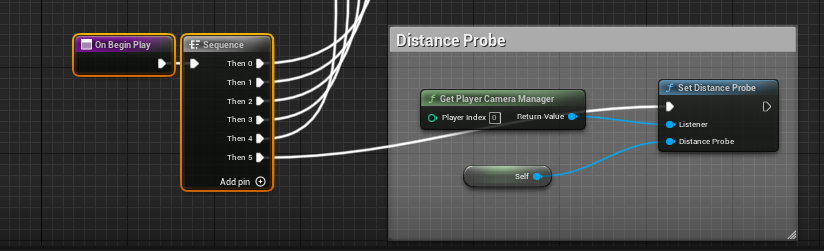
To combat this, I’ve gone ahead and implemented a Distance Probe which does alot of the legwork on Deciding where the Listener should be
“Despite having different positions, both the camera and the character controlled by the player are in some ways “you”, the player.”
Once we’re in Unreal, the next step will be to Place in our AkSpatialVolumes and our Acoustic Portals, the width of the portals will determine the crossfade distance

Once these are in place, we can test with the profiler, using weapon fire oneshots. Sound propagation paths are now diffracting on the edges of portals and going through walls with accociated transmission loss values.
Once this is in place, we can set up Appropriate Aux Buses for each of our spaces: Frontroom, Backroom & Outdoors; For this I’ve used the in-built Effects “RoomVerb” and “MatrixReverb”. Now when sounds propogate in the enviroment, it should pass through the relevant reverbs of each space.
The final step is to attach some Ambiant beds to the Spatial Volumes so that each room feels different, I’ve also added some spot ambiances in the Back Room for Sparks, burst pipes and wind gusts through openings.